Insights & Resources
Read Our Blogs
Helpful blogs, expert sales tips, and CRM guides written by industry specialists to help grow your business.
Helpful blogs, expert sales tips, and CRM guides written by industry specialists to help grow your business.
Buying a CRM is a lot like buying a flat. The brochure shows one price. Then come the parking charges, the registration, the GST, and suddenly the cheque you write looks nothing like the number you fell for.
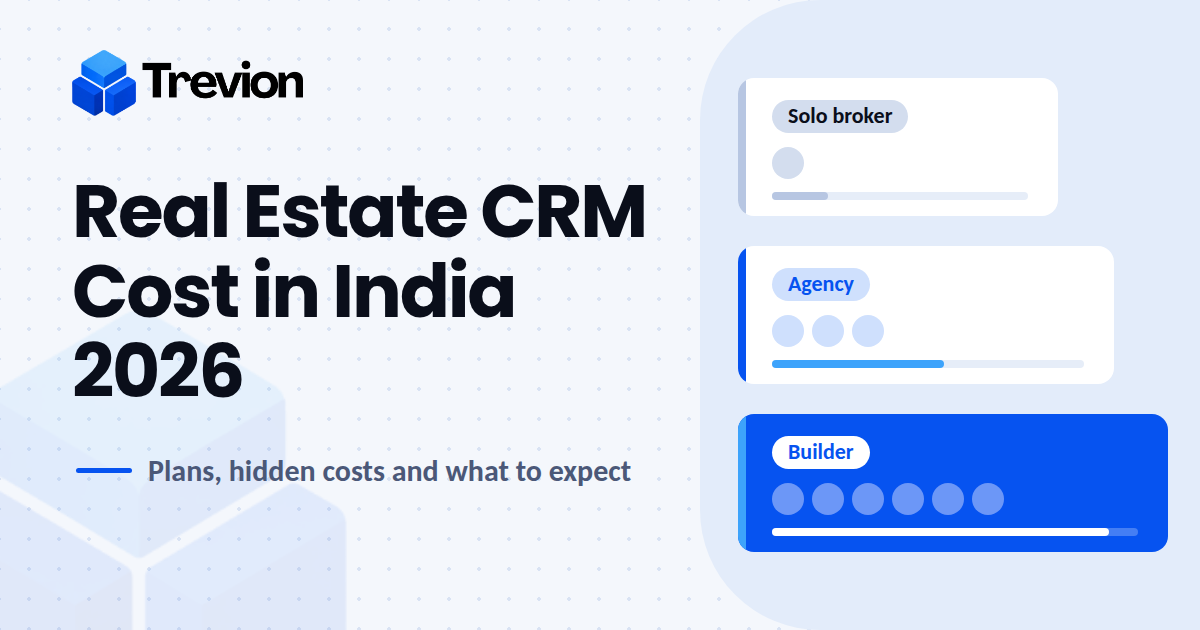
So let's start with the brochure. For real estate businesses in India, CRM software cost in 2026 works out to roughly ₹500 to ₹2,500 per user per month for a real estate CRM, plus 18% GST. Builders with large teams often pay ₹20,000 to ₹60,000 a month for a full setup. Here's what sits behind those numbers.
| Type of CRM | Typical cost | Best for |
|---|---|---|
| Free and starter plans | ₹0 to ₹500 per user/month | Solo brokers, teams of 1 to 3 |
| Broker and agency CRMs | ₹500 to ₹1,500 per user/month | Agencies with 5 to 50 agents |
| Builder and developer CRMs | ₹1,500 to ₹3,000 per user/month, or ₹20,000 to ₹60,000 a month for a full team | Developers with several projects |
| General-purpose CRMs (built for every industry) | ₹800 to ₹3,500 per user/month, setup varies | Teams already committed to a tool that isn't property-specific |
These ranges come from what Indian vendors actually publish and quote in 2026, so they're close to what you'll hear on real sales calls.
Prices are indicative and exclude GST.
Also worth knowing: plans can usually be billed quarterly or yearly, and the gap between the two is bigger than most people expect. The next section shows how much.
Keep one formula in your pocket: users × monthly price × 12 = your yearly bill. Add 18% GST on top and you have the real number.
Take a 5-agent team at ₹800 per user per month. That's ₹48,000 a year. Move the same team to a yearly plan at around ₹500 and the bill drops to ₹30,000, which is ₹18,000 of difference for the same software and the same five people. Scale up to 15 agents and it's ₹1,44,000 against ₹90,000.
Builders and developers are often quoted by project and team instead, since they're paying for inventory, multiple projects and channel partners, not just seats.
Then there's a third model that many buyers never consider: unlimited users for a flat yearly fee. Say the fee is ₹1,11,111 a year (about ₹1.31 lakh with GST). Against ₹500 per user, that only wins once your team crosses roughly 19 people. Against ₹800, it wins from around 12.
Below those numbers, per-user pricing is cheaper. Above them, every extra telecaller, sales manager and channel partner you add costs nothing, so larger agencies and builders should run this comparison before they sign.
Every flat has a club membership you didn't ask for. Every CRM has its own fine print:
WhatsApp. The question that comes up on almost every demo is whether WhatsApp costs extra. The honest answer is that it depends on the vendor, and there are usually two parts to it. In many CRMs, the WhatsApp API and chatbots are separate line items with their own monthly fees, while some platforms include WhatsApp in the plan, so check whether your quote has that line at all. Then Meta charges for each delivered template message. At the 2026 rates, a marketing message to an Indian number costs a little under ₹1, and Meta's official rate card is revised about twice a year. Vendors usually pass that charge on at cost, and some add a fee on top, so ask how it will appear on your bill.
Calling. SIM-based calling uses your existing plans. Cloud calling often bills per minute, and telecallers burn through minutes fast.
Setup and migration. Someone has to move your Excel sheets in and clean out the duplicates.
Extra seats and projects. Do channel partners count as paid users? Is there a fee for each new project?
Here's how it adds up. That 15-agent agency pays ₹1,44,000 for the licence. Add an assumed ₹30,000 for setup and ₹50,000 for WhatsApp and calling, then GST, and the first year comes to roughly ₹2.6 lakh. That's what happens when the extras are billed separately, and it's why the next section matters.
Two plans can carry the same price tag and still be completely different packages. One includes calling, WhatsApp and reports. The other gives you a pipeline and a separate bill for everything else. So before you compare numbers, run each quote through a few questions.
Do enquiries from 99acres, MagicBricks, Housing.com and Meta Ads land in the CRM by themselves, or is each one an add-on? Is WhatsApp chat built in with automatic follow-ups, or is it a separate tool? (Here's how a real estate CRM with WhatsApp integration is meant to work.)
Does the plan include click-to-call, a call log for every lead and IVR support?
Then look at the field side. Can you see where your team is when they're out showing a property? Is there a shared library for brochures, and property and inventory tracking so nobody sells a unit that's already gone? And can you tell which source actually brings buyers, and who is following up?
General-purpose CRMs can cover many of these too, sometimes through add-ons or setup, so count that in the price you compare.
Start your real estate CRM rollout with one team or one project. Pick your busiest sales team or your most active project and run it there first. A small rollout shows you how the software handles lead management, follow-ups and site visits before you pay for every seat.
Watch the CRM work live before you commit. Free trials sound generous, but many teams sign up, click around for two days and forget the login. A live demo works the other way around. Someone who knows the software runs it in front of you, so you see exactly what each plan gets you, from the first enquiry to the final follow-up. Ask them to run your own scenario, like last month's portal enquiries, and judge real estate CRM pricing against what you saw. Book a demo and see it in action.
Compare yearly totals, not monthly prices. Per-user, per-project and flat pricing can look very different in a monthly quote and very similar over twelve months. Do the sums for your actual team size.
Pick the billing cycle that fits your nerves. My rule of thumb: if nobody on your team has used a CRM before, start quarterly. Move to yearly once you're sure it fits your team, since that's where most of the savings sit.
Before you sign, ask three questions. Does it stop at booking, or does it track payments too? Are WhatsApp and chatbots included, or billed on top? What will the price be at renewal?
Trevion's pricing is public, so it makes a handy reference point: ₹799 per user per month billed quarterly, ₹499 billed annually, or ₹1,11,111 a year for unlimited users, all excluding 18% GST. The full plan details are on the pricing page.
There's no free trial, and that's on purpose. Trevion runs a live demo instead, where every feature is shown working in real time, so you know exactly what's inside the price before you commit. Book a demo and see it for yourself.
Whichever CRM you end up with, count the leads your team lost last quarter first. Then compare that number with the cost of a CRM.
Most brokers and agencies pay ₹500 to ₹1,500 per user per month, and builder-grade tools cost more. Some vendors also offer unlimited-user plans for a flat yearly fee, which can work out cheaper for larger teams.
Per-user pricing is usually cheaper for small teams. A flat unlimited-user plan starts to win once your team grows past roughly 12 to 19 people, depending on the per-user rate you're comparing against.
Often yes. Quarterly means less commitment, and yearly usually means a noticeably lower monthly cost.
Usually yes. Meta charges for each delivered template message, and some CRM vendors add their own fee on top. Check whether your quote lists these separately.
A good demo shows the software working live, not a slideshow. You should see how a lead comes in, gets assigned, followed up and reported on, and you should be able to ask for your own scenario.

Tired of losing track of your leads? Automate follow-ups, capture inquiries instantly, and accelerate conversions with Trevion CRM.
Get the latest expert sales tips, workflows, and CRM insights to grow your business.