Insights & Resources
Read Our Blogs
Helpful blogs, expert sales tips, and CRM guides written by industry specialists to help grow your business.
Helpful blogs, expert sales tips, and CRM guides written by industry specialists to help grow your business.
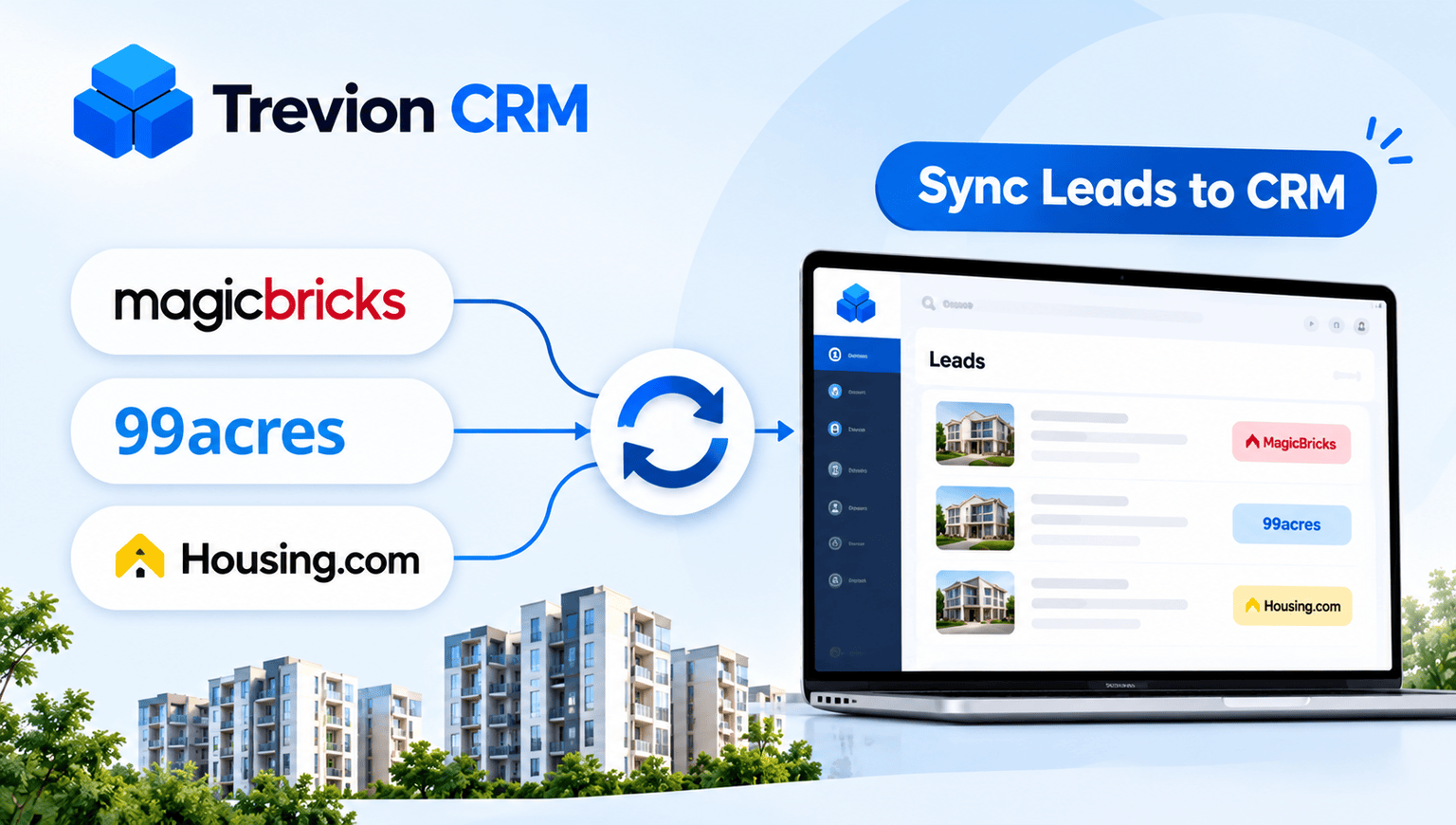
You pay three portals to send you buyers. But the moment an enquiry is sent, the portal’s job is done. What happens next, who sees it, who calls and how fast, is entirely on you.
Most teams lose deals in that gap, not because of the portals. The fix is to bring every enquiry into one real estate CRM automatically. Here’s how it works and how to set it up, even if you have never connected two tools before.
When a buyer enquires on MagicBricks, 99acres or Housing.com, their name, number and the property they asked about appear in your CRM on their own. No downloading, no typing. Each lead is also tagged with its source, so you always know where it came from.
Every portal emails you when a new enquiry comes in. Forward those emails to a dedicated address in your CRM, and it reads the details and creates the lead. Setup takes a few minutes and needs no technical help. Start here.
Some portal plans let you connect your account straight to the CRM, so leads arrive instantly. It suits teams that get a high volume of enquiries every day. Ask your portal account manager whether your plan includes it.
Export leads from the portal as a file and import them. It’s good for old data or a one-time clean-up, but too slow for daily work.
Follow up on WhatsApp too. In India, a quick WhatsApp message often gets a reply when a call goes unanswered. A real estate CRM with WhatsApp integration keeps those chats attached to the lead.
Match leads to inventory. When a buyer asks about a 3 BHK that is already sold, you lose their trust. A CRM with property and inventory tracking lets your team offer what is actually available.
Merge duplicates. The same buyer often enquires on two portals. Merge them so they don’t get two calls from your team.
Check source-wise numbers weekly. Look at leads, site visits and closures per portal. If one portal costs a lot and closes very little, you will know before the next renewal.
Portals bring the enquiries. Site visits and bookings depend on how fast and how consistently your team follows up. One CRM makes that easy. Want to see how portal leads look on a single screen? Book a demo of Trevion CRM.
Yes. Leads from all of them come into one place, each tagged with its source.
Not for email forwarding. An API integration may need some technical help, usually once.
Yes. You can bring ad leads into the same CRM, and you can also feed conversion data back to Meta with Meta Conversion API.
Upload them as a CSV. Just clean up the name, phone and source columns first.

Tired of losing track of your leads? Automate follow-ups, capture inquiries instantly, and accelerate conversions with Trevion CRM.
Get the latest expert sales tips, workflows, and CRM insights to grow your business.